Connect Your Customs Data to AI
iCustoms MCP Server enriches filing data from Claude, ChatGPT, or Copilot and pull customs data and provide a real time insight with in AI Assistants.
Spot errors, fix them faster, and stay compliant across 190+ countries.
Push clean, actionable data straight into your financial systems to drive growth.
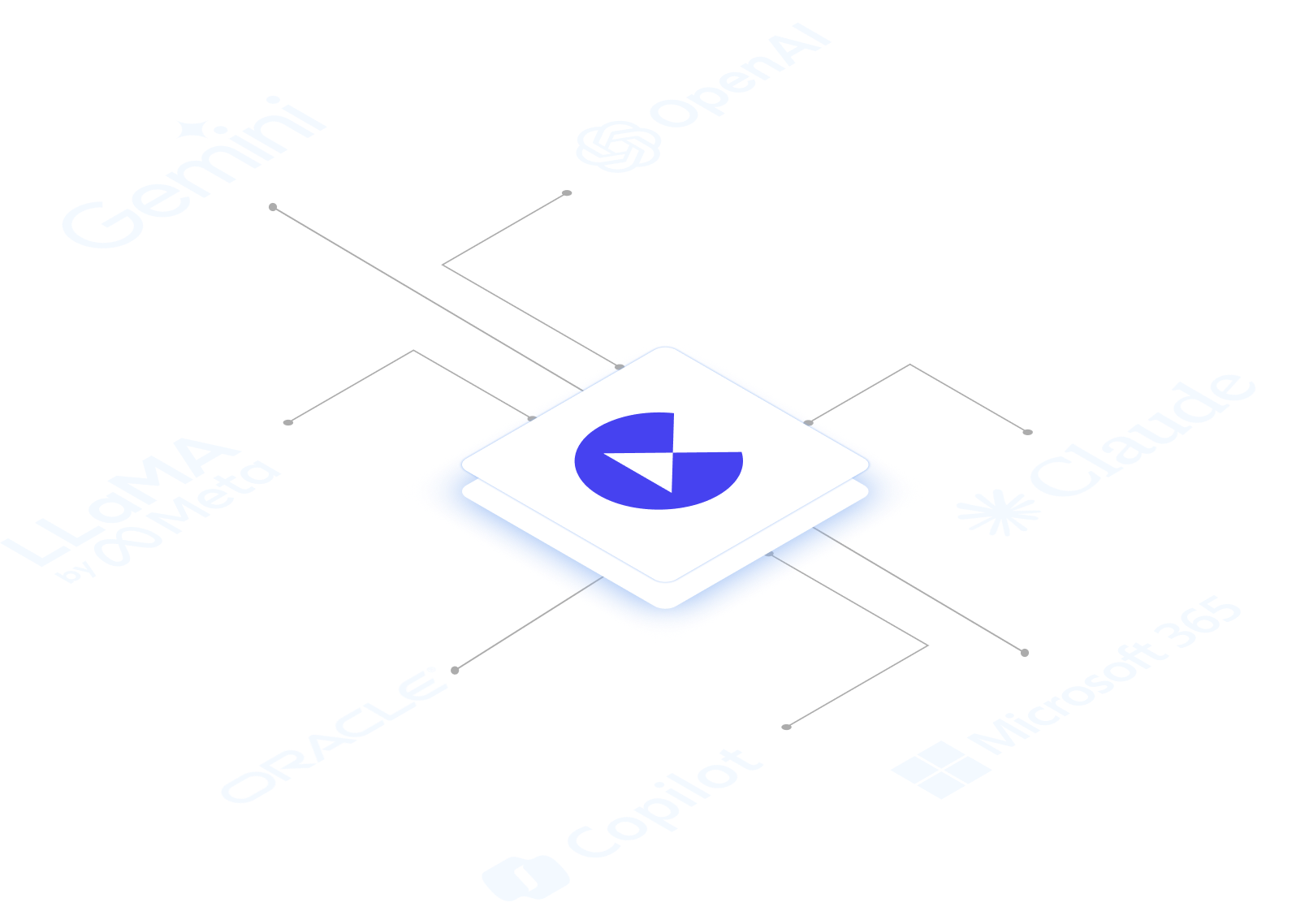
Connects to the AI agents, systems & finance tools you already use
No rip and replace. iCustoms MCP Server sits alongside the tools your team already opens every day.



MCP Built for Customs
iCustoms MCP Server is built on the same classification and compliance engine already trusted for high-volume customs operations.
Turn Customs Data into Action
One layer for smarter customs data: connected in minutes, not months.
Connect
Connect Claude, ChatGPT or Copilot to iCustoms in a few clicks: no API build or custom connectors.
Enrich
Pull and enrich customs data from every source, including scanned and digital PDFs: all in one place, ready to use.
Ask
Ask any customs questions in your AI agent and get instant answers, explanations, and fixes.
Report & act
View every declaration, push enriched data to your financial systems and generate reports.
Your Customs Copilot
Built for trade teams done with custom connectors, manual PDFs, and unexplained declaration failures.
One clean record from every source
- Enrich customs data from FMS, ERP, TMS & PDFs automatically.
- No more re-keying data between disconnected systems.
- Every declaration, complete and ready for AI.
See It. Understand It.
- View every declaration, status, duty and flag in one place.
- Generate finance and compliance reports automatically.
- Ask AI to summarise declarations or flag those needing attention.
Spot the issue. Fix it.
- Easily ask AI why a declaration was flagged or rejected.
- See what's wrong and how to fix it.
- Fix it and resubmit without calling your broker every time.
Connect in clicks, not months.
- Connect your FMS, ERP or TMS with a simple setup.
- Send declaration, duty and tax data straight to your finance system.
- Look up accurate HS codes across 190+ countries.
You're in good company










iMCPYour Questions Answered
Everything you need to know before connecting AI agents to iCustoms.
What is the iCustoms MCP Server?
iCustoms MCP Server connects Claude, ChatGPT, and Copilot to your customs data, making it easier to access, understand, and act on information across your FMS, ERP, TMS, and PDF documents.
It can pull in and enrich customs filing data, view declarations and reporting outputs, explain declaration errors in plain English and help fix them, and even push results into your financial software.
All through one standardised layer, so you don't need to build a separate custom integration for every system.
Which systems and file types can it enrich customs data from?
Customs MCP Server connects to freight, ERP and transport systems, as well as PDF documents, including scanned and digital customs paperwork. It brings all this information together into one complete, easy-to-search record for each customs declaration.
Can I ask it why a declaration failed and how to fix it?
Yes. You can ask questions in plain English using Claude, ChatGPT or Copilot — for example, “Why was declaration #4521 rejected?” It will identify the specific field, code or document causing the problem and explain how to fix it.
How many countries' HS codes can it look up?
iCustoms MCP Server can look up HS codes across 190+ countries, so your AI agent can classify goods correctly no matter where they're shipping.
How long does it take to connect, and do we need custom API development?
No custom API project is required. Connecting a new FMS, ERP or TMS source is a guided, click-based setup, so most teams are up and running in minutes rather than the weeks a bespoke integration typically takes.
Does connecting an AI agent bypass our existing user permissions?
No. Every question an AI agent asks and every action it takes through iCustoms MCP Server is enforced against that user's existing iCustoms role and permissions — an agent never sees or does more than the person behind it is already allowed to.