
What Is a TRACES Establishment Code (and Why Your Shipment Needs One)
- John Hall
- Customs Specialist at iCustoms.ai
A TRACES establishment code is the approval number the EU assigns to a facility that is authorised to produce or handle animal-origin products for the European market. Without a valid code on the current establishment lists, your consignment can be held or rejected at an EU border control post. In other words, this small number decides whether your goods move or stop.
This guide explains where the codes come from, which products need them, and how to check a supplier before you ship. Because the lists change frequently, we also cover what happens when a code fails and how to catch it early.
What is a TRACES establishment code?
Think of it as your supplier’s EU passport. Each approved facility, whether a slaughterhouse in Brazil, a dairy plant in New Zealand or a fish processor in the UK, holds a unique establishment approval number issued by its national competent authority. The EU then publishes that number on the official TRACES NT establishment lists.
Border officials use the code to confirm two things. First, that the facility exists and holds current approval. Second, that its approval covers the specific product category in the consignment. Consequently, a valid EU establishment number is as important as the health certificate itself.
The legal basis: Regulation (EC) 853/2004 and Regulation (EU) 1069/2009
Two regulations do the heavy lifting. Regulation (EC) 853/2004 sets the hygiene rules for food of animal origin and requires products to come from approved establishments. Meanwhile, Regulation (EU) 1069/2009 covers animal by-products not intended for human consumption, such as pet food ingredients and rendered fats. In addition, Regulation (EU) 2022/2292 sets the entry requirements for consignments from non-EU countries.
Where the codes live: the TRACES NT establishment lists
The European Commission publishes the lists through TRACES NT, the current version of the EU’s Trade Control and Expert System, organised by country and by activity. Each national competent authority proposes its facilities, and DG SANTE reviews the listings. Therefore, the lists are the single source of truth: if a facility does not appear there for the right activity, it is not approved to export that product to the EU.
Which products need an approved establishment?
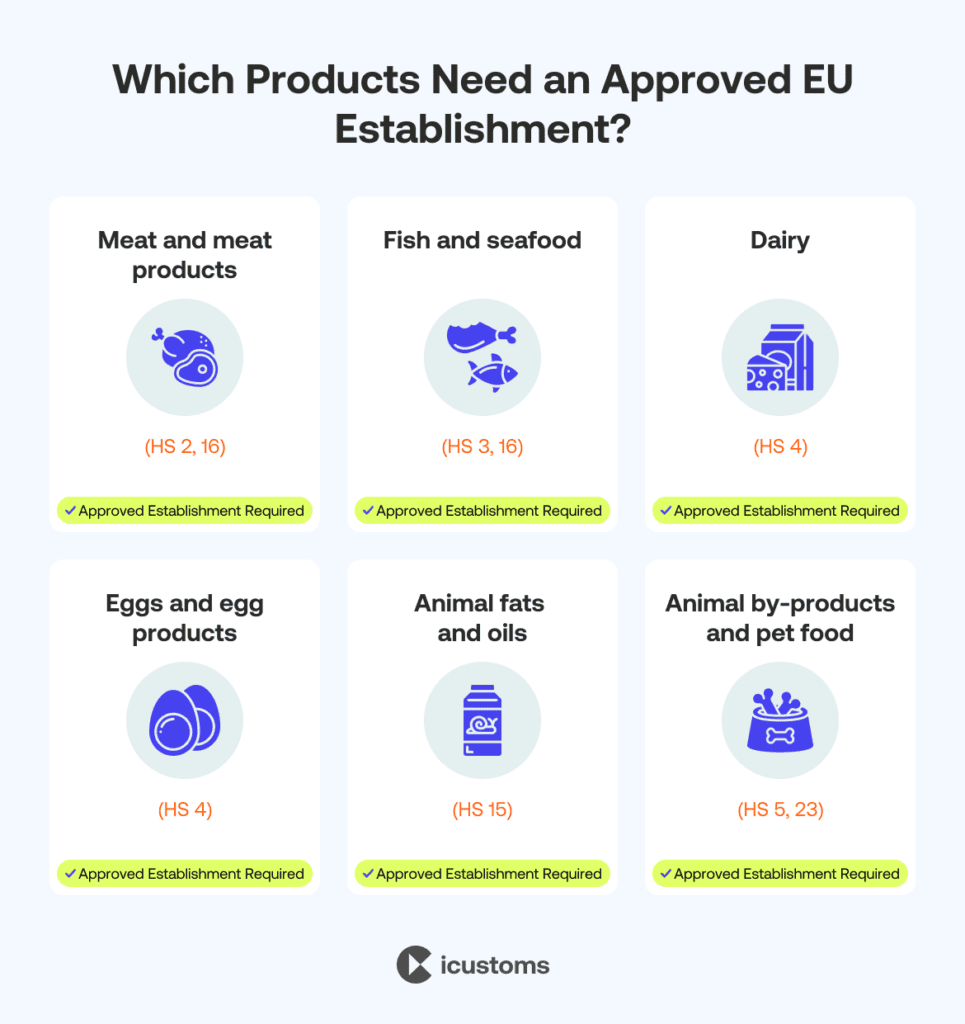
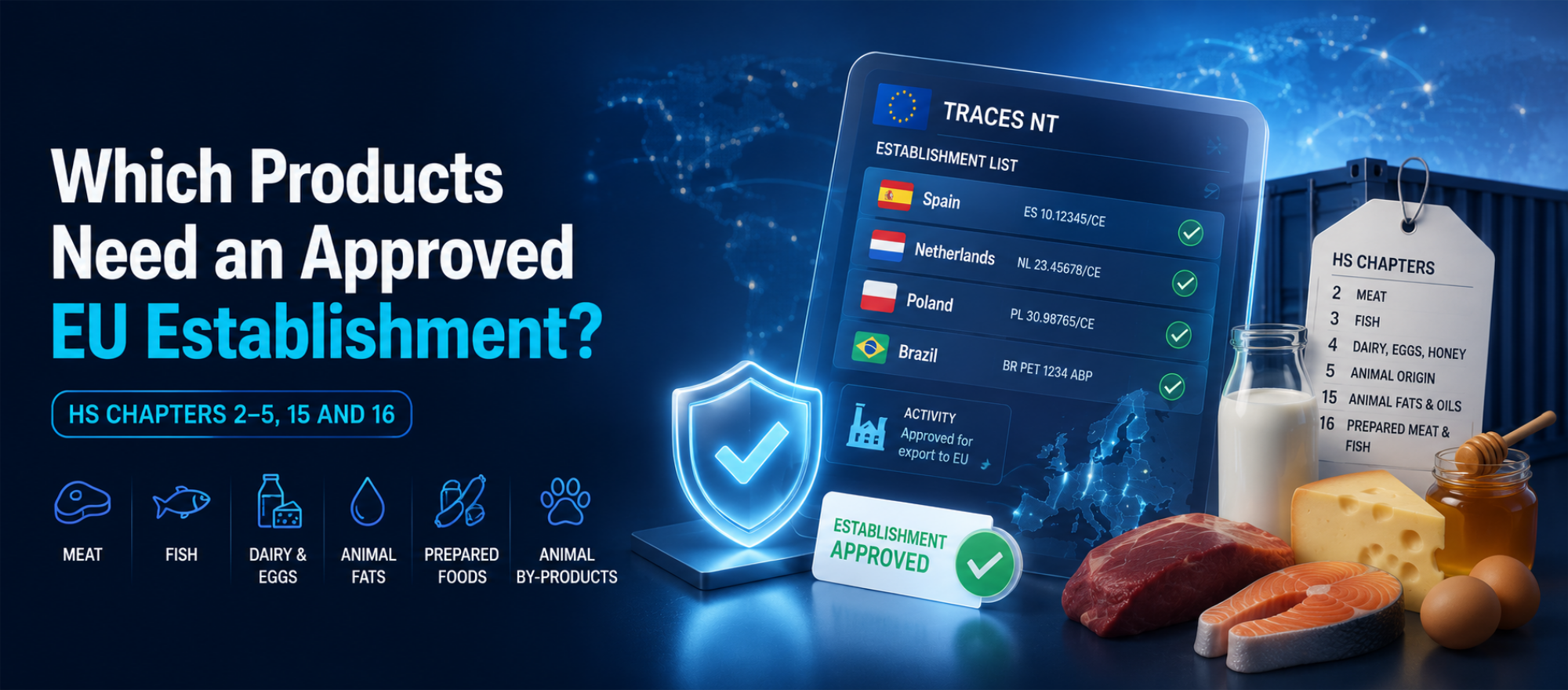
Broadly, anything of animal origin destined for the EU market. The table below shows the main categories and their typical HS chapters.
| Product category | Typical HS chapters | Examples |
|---|---|---|
| Meat and meat products | 2, 16 | Beef, poultry, cured meats, prepared meals |
| Fish and seafood | 3, 16 | Fresh fish, crustaceans, canned tuna |
| Dairy | 4 | Milk, cheese, butter, whey powders |
| Eggs and egg products | 4 | Shell eggs, liquid egg, egg powder |
| Animal fats and oils | 15 | Tallow, lard, fish oils |
| Animal by-products (ABP) | 5, 23 | Pet food ingredients, hides, rendered proteins |
If you trade in these categories, every non-EU facility in your supply chain needs a current listing. Moreover, composite products that contain processed animal ingredients often need approved-establishment evidence too, which surprises many first-time importers.
How TRACES establishment codes work in practice
Who checks the code, and when
- Before shipping: the importer or customs agent should confirm the supplier’s code appears on the current list for the right activity.
- At certification: the exporting country’s authority references the establishment on the health certificate.
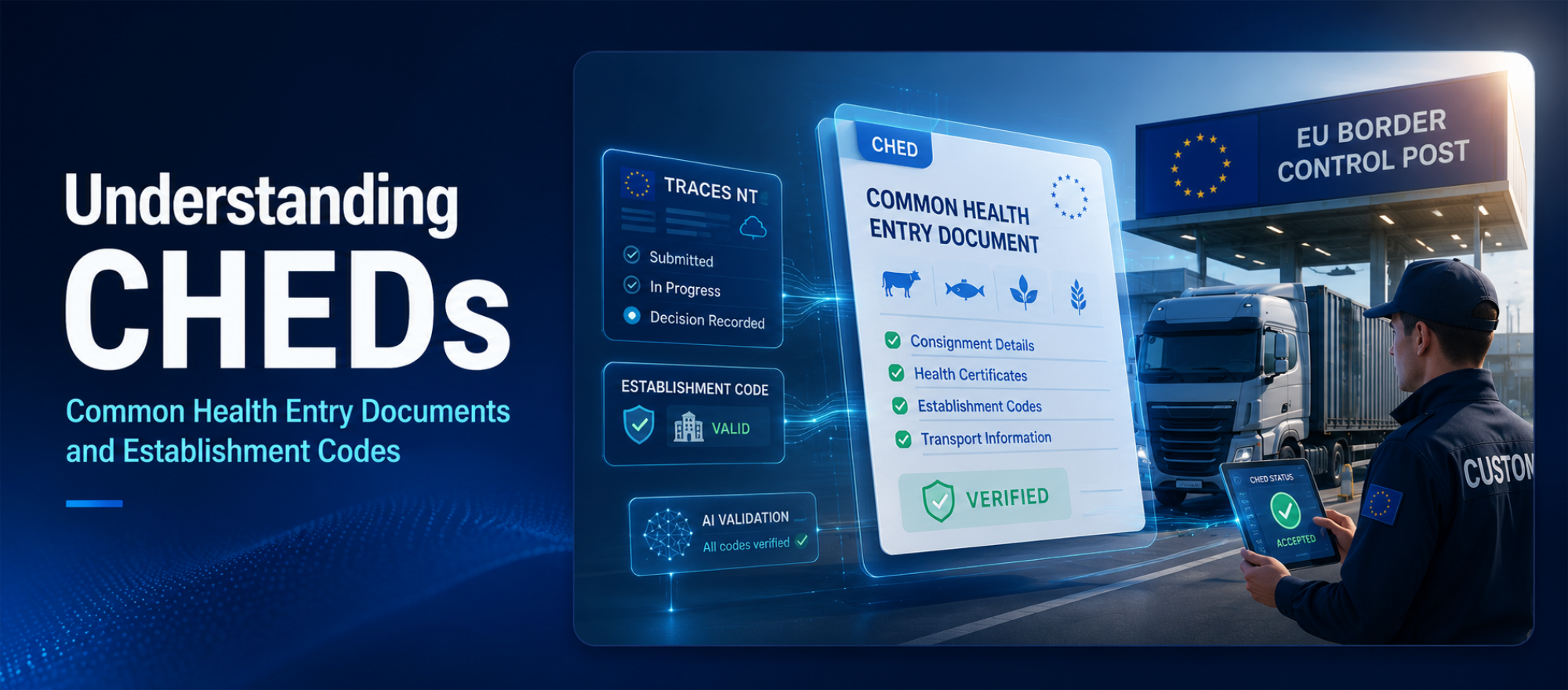
- At the border: officials at the border control post verify the code against the Common Health Entry Document (CHED) and the live lists.
Why codes fail without warning
Authorities can suspend or delist an establishment at any time, for example after a failed audit or a disease outbreak. Crucially, there is no notification service for traders. A code that cleared customs smoothly in May can therefore stop the same product in June, and most businesses only discover the change when a consignment is already at the border.
Why your shipment needs a valid code
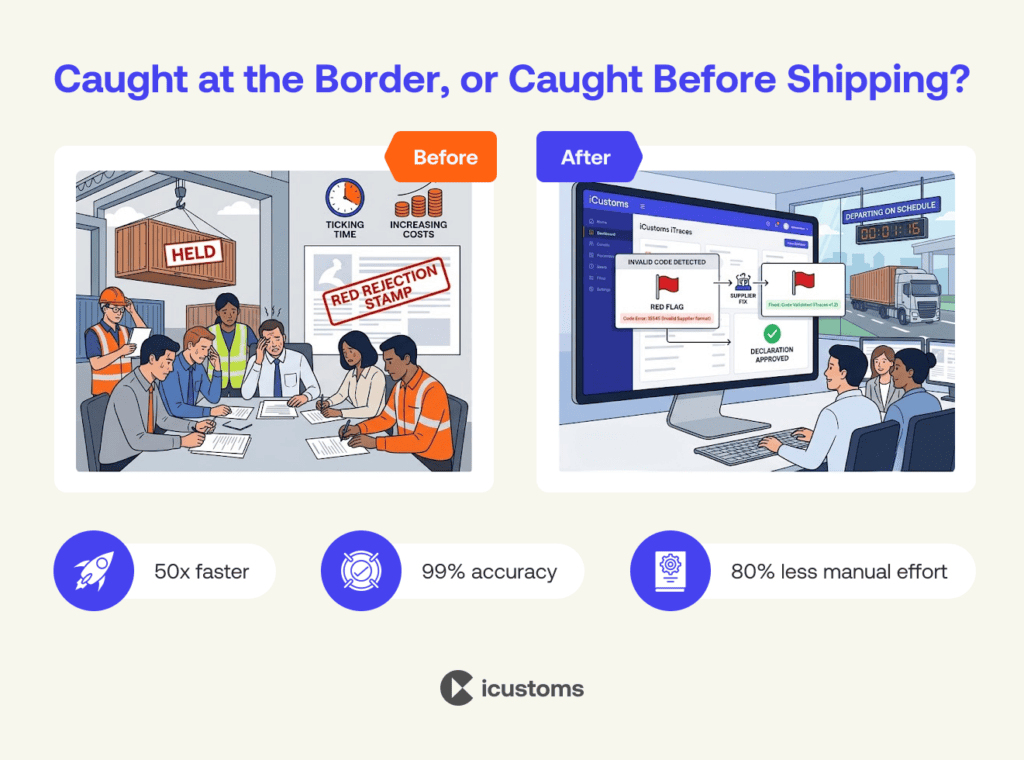
The costs of an invalid establishment code stack up fast. At best, you face clearance delays and storage charges whilst the paperwork is resolved. At worst, officials reject or destroy the consignment, and your customer looks elsewhere. In addition, repeated documentary failures can increase the inspection rate on your future consignments.
- Held or rejected consignments at the border control post
- Demurrage, storage and re-export or destruction costs
- Broken delivery promises and strained customer relationships
- Higher inspection frequency after repeated failures
For this reason, checking codes once a year is not enough. Continuous validation, ideally automated, is the only reliable defence against silent delistings.
Still Checking TRACES Codes Manually?
Automate establishment code validation with iTraces and catch delistings before your goods ship.
How to check a TRACES establishment code
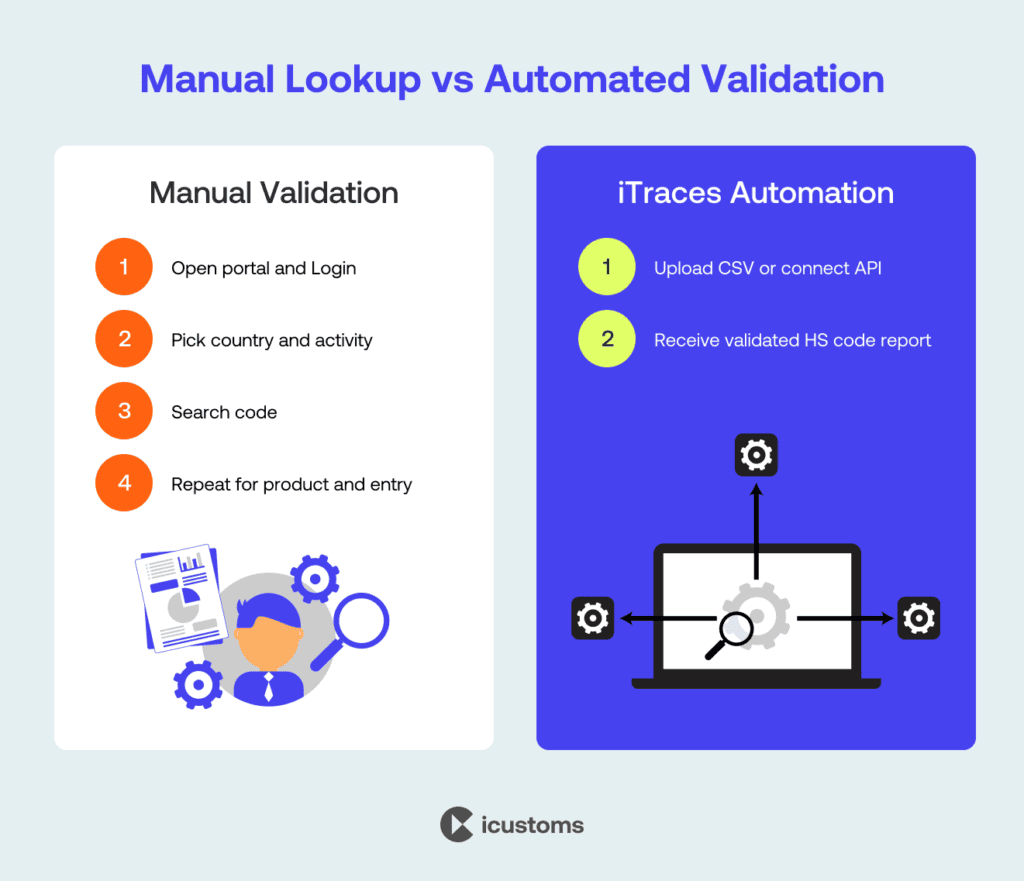
You can verify a code manually through the public TRACES NT establishment lists. Here is the process, along with its limits.
- Step 1: Open the TRACES NT public establishment lists and select the exporting country.
- Step 2: Choose the correct activity section, for example meat products or dairy.
- Step 3: Search for the establishment approval number and confirm the name and address match your supplier.
- Step 4: Check the approval covers your exact product category, then repeat for every establishment on every consignment.
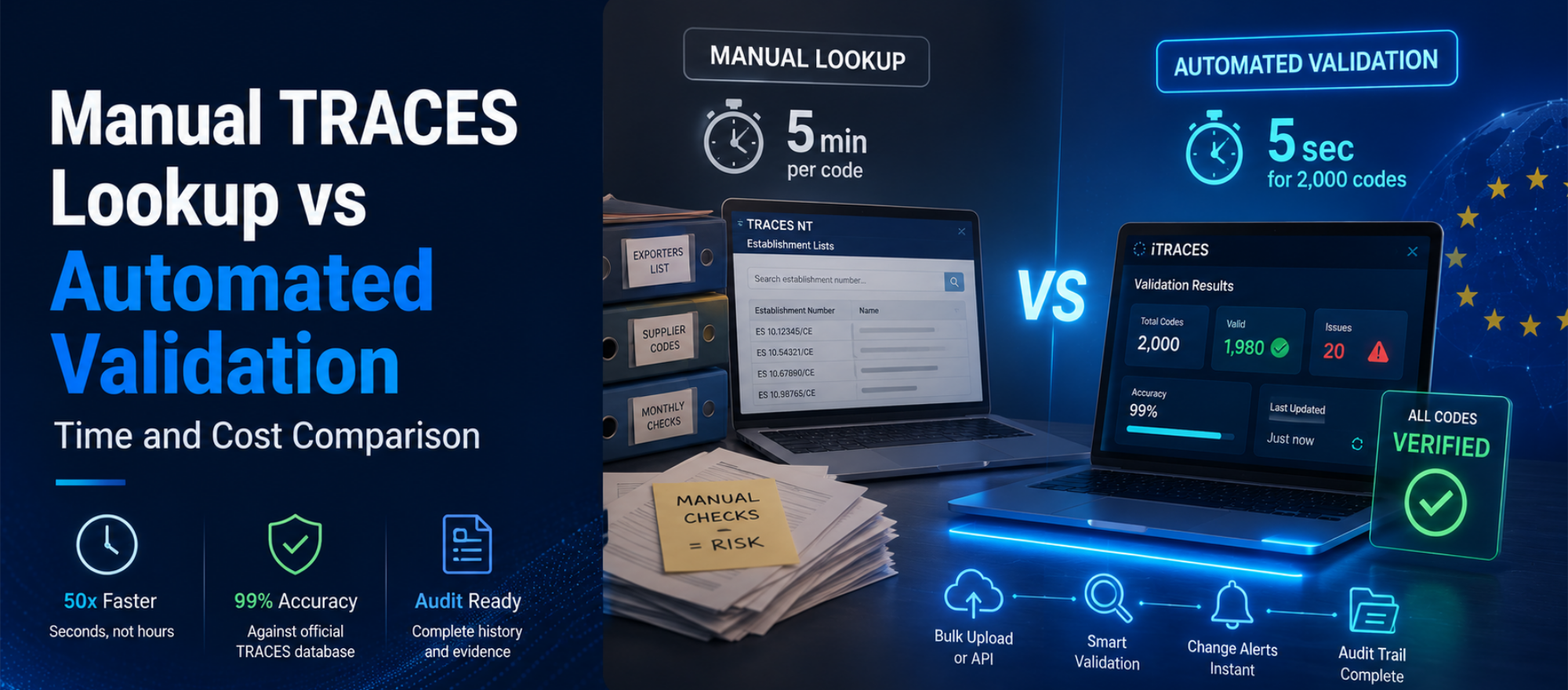
The manual route works for one or two codes. However, it does not scale. A customs agent handling hundreds of product lines across many clients would spend days on lookups, and each manual step invites human error. That is precisely the gap automated validation closes.
EU TRACES certification process, step by step
- Step 1: The operator or authority creates the certificate in TRACES NT for the consignment.
- Step 2: The competent authority validates it, often with a free electronic signature.
- Step 3: The consignment travels with its certificate, which authorities along the route can view instantly.
- Step 4: At an EU border control post, officials check the goods against the Common Health Entry Document (CHED).
- Step 5: The decision is recorded in the system, and every involved party receives a notification.
Why choose iCustoms for TRACES establishment code validation?
iCustoms built iTraces for exactly this problem. Instead of checking the portal code by code, you upload your whole product catalogue and the iCustoms AI validates every establishment code against the official TRACES EU database in seconds. As a result, teams cut manual effort by 80% and validate up to 50 times faster, with 99% accuracy.
Built for real trade volumes
- Bulk upload: validate thousands of codes at once from CSV or Excel
- Single code search: instant lookups for on-the-spot checks
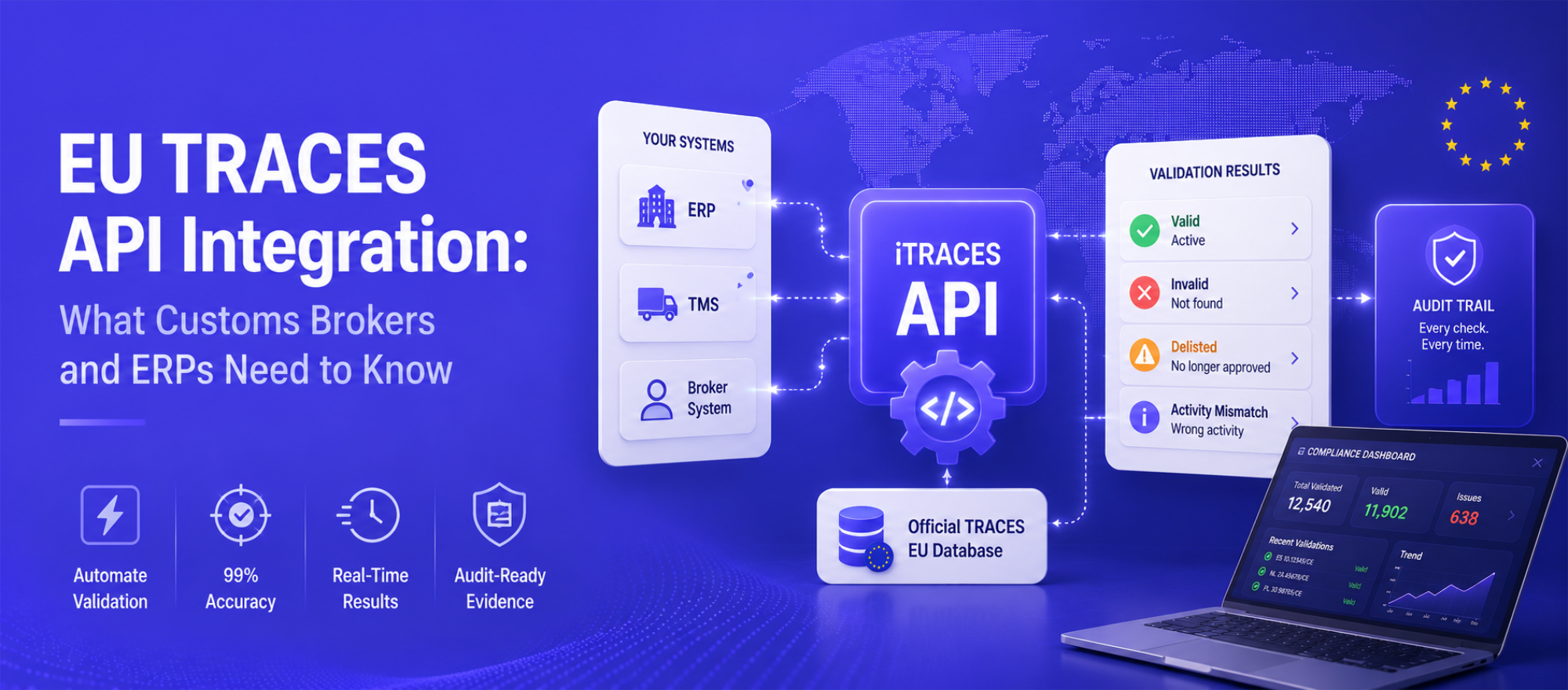
- API integration: embed validation directly into your ERP, TMS or supply chain platform
- Smart error flags: incorrect or delisted codes surface automatically, before the border does it for you
Compliance you can evidence
Beyond speed, iCustoms gives you proof. The iTraces compliance dashboard shows the live status of every product, supplier and code, whilst a full audit trail records each validation. Consequently, regulatory reviews take minutes rather than days, and your team spends its time on the business instead of portal searches.
Establishment codes are one check among many
The same consignment that needs a valid establishment code usually needs accurate documents, correct HS codes and a compliant declaration. iCustoms connects those steps on one AI platform: Intelligent Document Processing extracts and verifies trade document data, iTraces validates the codes within it, and iClassification confirms HS codes across 32+ countries. Logistics leaders such as Kerry Logistics, Ziegler and Woodside Logistics Group already run their customs operations this way.
Ready to Stop Border Surprises?
Book an iTraces demo and watch iCustoms AI validate your own establishment codes live, in seconds.
Frequently Asked Questions
What is an establishment approval number?
It is the unique number a national competent authority assigns to a facility approved to produce or handle animal-origin products. The EU publishes these numbers on the TRACES NT establishment lists, where they are commonly called TRACES establishment codes.
Which regulation requires establishment codes?
Regulation (EC) 853/2004 requires food of animal origin to come from approved establishments, and Regulation (EU) 1069/2009 applies the same principle to animal by-products. Regulation (EU) 2022/2292 adds entry requirements for non-EU consignments.
How do I find a TRACES establishment code?
Search the public TRACES NT establishment lists by country and activity, then match the approval number, name and address to your supplier. For more than a handful of codes, automated tools such as iTraces from iCustoms check entire catalogues in seconds with 99% accuracy.
What happens if my supplier is not listed?
Border officials can hold, reject or destroy the consignment, and storage or re-export costs follow quickly. Always confirm the listing before shipping, not at the border.
How often do the establishment lists change?
Continuously. Authorities add, suspend and delist facilities throughout the year without notifying traders. That is why many importers and customs agents now validate codes automatically with iCustoms before every shipment rather than relying on an annual check.
Do EU establishments have codes too?
Yes. EU facilities hold approval numbers under the same hygiene framework, and these appear on national lists. The TRACES NT lists that matter most for imports, however, are the non-EU country listings.
You may also like:
Struggling to Extract, Catagorise & Validate Your Documents?

Capture & Upload Data in Seconds with AI & Machine Learning
Subscribe to our Newsletter
About iCustoms
iCustoms is an all-in-one solution helping businesses automate customs processes more efficiently. With AI-powered and machine-learning capabilities, iCustoms is designed to streamline your all customs procedures in a few minutes, cut additional costs and save time.
Struggling to Extract, Catagorise & Validate Your Documents?
Capture & Upload Data in Seconds with AI & Machine Learning