
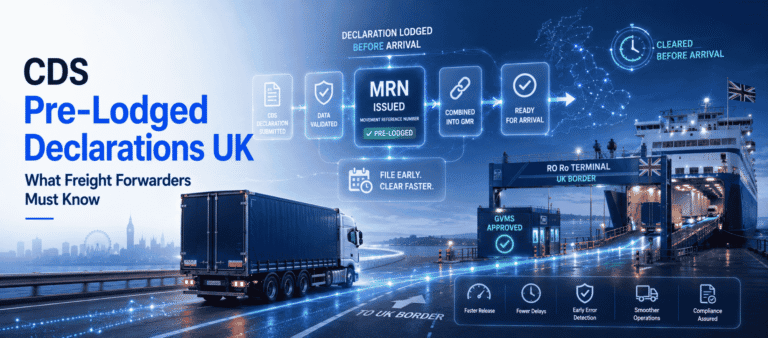
How to Submit a Customs Declaration UK: A Freight Forwarder's Guide
- John Hall
- Customs Specialist at iCustoms.ai
If you handle freight, you must know how to submit a customs declaration UK importers and exporters can rely on. A customs declaration tells HMRC what is crossing the border, what it is worth, and how much duty applies. Therefore, getting it right keeps goods moving and avoids costly holds. This guide gives you a practical, step-by-step process rather than theory. First, we cover when a declaration is needed and what information to gather. Then we walk through the submission itself, typical clearance times, and the issues that cause delays or rejections.
When is a customs declaration needed?
In most cases, any goods moving across the UK border need a declaration. However, the exact type depends on the goods, their value, and how they travel.
Goods that always need a declaration
For commercial freight, you almost always file a full entry. Specifically, you need a declaration for the following movements:
- Commercial imports into Great Britain from outside the UK
- Exports leaving Great Britain for another country
- Most goods moving to or from Northern Ireland
- Controlled or licensable goods, whatever their value
Until HMRC accepts the entry, customs clearance cannot happen, so the goods stay put. As a result, an accurate first submission matters far more than speed alone.
Import versus export declarations
Both imports and exports need a declaration, yet the detail differs. An import declaration focuses on duty, import VAT, and the commodity code that sets the rate. An export declaration, by contrast, focuses on the goods leaving, their destination, and any export licences. Freight forwarders often handle both, sometimes on the same shipment, so keep the two workflows clear in your mind.
When a full declaration may not apply
Some low-value items sent by post use a simpler form instead of a full electronic entry. We cover those forms below. Even then, freight forwarders still file a full declaration for commercial shipments.
What information do you need?
Before you file, gather your data. A complete file speeds up the whole customs declaration process UK agents follow. Make sure you have the following ready:
- Importer and exporter details, including EORI numbers
- The commodity code for each product
- The customs value and the basis used to calculate it
- The country of origin and the country of dispatch
- The customs procedure code and any additional procedure code
- Incoterms and full transport details
- A commercial invoice and a packing list
Get the commodity code and procedure code right first time, because both drive the duty calculation. For a refresher on the codes, see our guide to customs procedure codes.
Customs declaration forms: CN22, CN23 and CDS
People often ask which customs declaration form to use. For commercial freight, you file a full electronic entry through CDS. For posted items, the Universal Postal Union forms apply instead. A CN22 form covers low-value postal items, usually small parcels under a set value. By contrast, a CN23 form covers higher-value or larger postal items and carries more detail. In short, freight forwarders rely on CDS, while the CN22 form and the CN23 form mainly suit goods sent by post.
Documents to have ready
Alongside the data above, keep the supporting paperwork within reach. HMRC or Border Force may ask to see it, so organised files speed up any check. Typically, you will want the items below:
- The commercial invoice for the shipment
- The packing list and transport documents
- Any import or export licences for controlled goods
- Proof of origin, such as a certificate or statement
- Previous declarations for repeat shipments, which save time
How to submit a customs declaration UK step by step
Once your data is ready, follow these steps. This is the standard CDS method that freight forwarders use every day:
- Log in to your CDS-connected software, such as Customs Declaration
Software (iCDS), with your EORI already linked. - Create a new import or export declaration and select the correct procedure code.
- Enter the goods details, including the commodity code, customs value, and country of origin.
- Add the parties, the transport information, and any duty reliefs or licences.
- Let the software validate the entry, then fix any flagged errors.
- Submit the declaration to HMRC through CDS.
- Receive your Movement Reference Number once HMRC accepts the entry.
The MRN is your proof of submission. Moreover, you need this customs declaration MRN to track clearance and to present the goods at the border. For busy teams, customs declaration submission for freight forwarders becomes far quicker with software that reuses past data and validates entries automatically.
Who submits the declaration?
A freight forwarder usually files on the client’s behalf, either as a direct or an indirect representative. Under direct representation, the importer keeps the customs liability. Under indirect representation, you share it. Therefore, agree the representation type in writing before you file, since it decides who answers to HMRC if something goes wrong.
Standard, simplified and pre-lodged entries
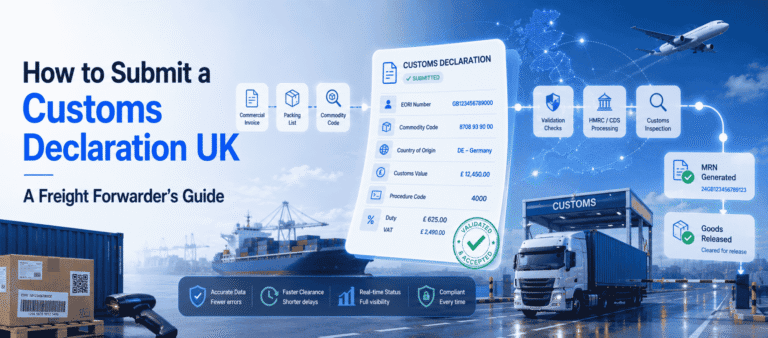
Not every entry follows the same path. A standard declaration carries the full data set at the point of import. A simplified entry lets approved traders file less data up front and complete it later. A pre-lodged declaration goes in before the goods arrive, which speeds up release at the port. We cover these routes in dedicated guides, yet the core submission steps above still apply to each.
How long does UK customs clearance take?
Clearance time varies, so always plan ahead. The table below shows typical UK customs clearance time for common situations.
| Scenario | Typical Clearance Time |
|---|---|
| Clean, accurate declaration | Often cleared within minutes. |
| Declaration with an HMRC query | Typically a few hours to one working day, depending on how quickly the required information is provided. |
| Physical inspection by Border Force | Usually one to three days, although more complex inspections or documentation issues may result in longer delays. |
Because a clean entry clears fastest, accuracy is the best way to protect your UK customs clearance time. In other words, the time you spend checking data up front saves far more time at the border.
Several factors also shape the final figure. The port, the time of day, the type of goods, and the accuracy of your data all play a part. Perishable or controlled goods, for instance, may face extra checks that add time. Planning for the worst case, rather than the best, keeps your clients informed and calm.
What can delay it?
Several issues can hold your goods. Watch out for these common causes:
- An incorrect or vague commodity code
- A customs value that does not match the invoice
- Missing documents or licences
- A random or risk-based inspection
- Unpaid duty or an empty CDS cash account
Most of these causes are avoidable. For example, a quick pre-submission check on the commodity code and the customs value removes two of the biggest risks in one step.
Common rejection reasons
Sometimes HMRC rejects a declaration outright. Usually, one of these is the cause:
- The wrong procedure code for the movement
- Data that does not match the supporting documents
- An invalid or expired EORI number
- Format errors in mandatory data elements
When that happens, correct the flagged field and resubmit. Fortunately, good software catches most of these before submission, which keeps your customs clearance on track.
How to fix a rejected entry
A rejection is rarely the end of the world. First, read the error message, since CDS points to the data element at fault. Next, correct that field and check the linked ones, because one wrong code often affects another. Finally, resubmit and note the fix, so your team avoids the same slip next time.
Putting the customs declaration process UK into practice
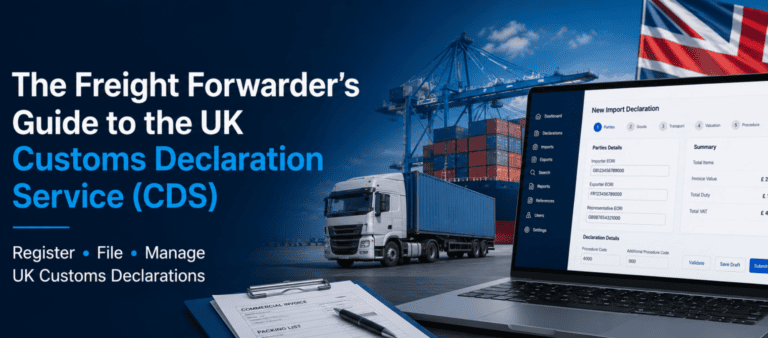
To recap, the customs declaration process UK runs from data gathering to submission, clearance, and release. Master each stage, and you cut delays for every client. For the full picture, read our pillar guide, the Freight Forwarder’s Guide to the UK Customs Declaration Service. When you are ready to file faster, iCDS gives you an HMRC-recognised platform that validates entries and submits a UK declaration in around three minutes.
Frequently Asked Questions
How do I submit a customs declaration in the UK?
First, gather your data and create the entry in CDS-connected software. Next, validate it and submit it to HMRC. Once HMRC accepts it, you receive a Movement Reference Number.
What is an MRN on a customs declaration?
A Movement Reference Number is the unique ID that HMRC issues when it accepts your entry. You use the customs declaration MRN to track clearance and present goods at the border.
What is the difference between a CN22 and CN23 form?
A CN22 form covers low-value postal items, while a CN23 form covers higher-value or larger parcels. Commercial freight uses a full CDS declaration instead of either form.
How long does UK customs clearance take?
A clean declaration often clears within minutes. However, queries or inspections can extend the UK customs clearance time to a day or more.
Do freight forwarders submit customs declarations?
Yes. Customs declaration submission for freight forwarders is a core service, usually filed through CDS software on behalf of importers and exporters.
What is the CDS method for submitting declarations?
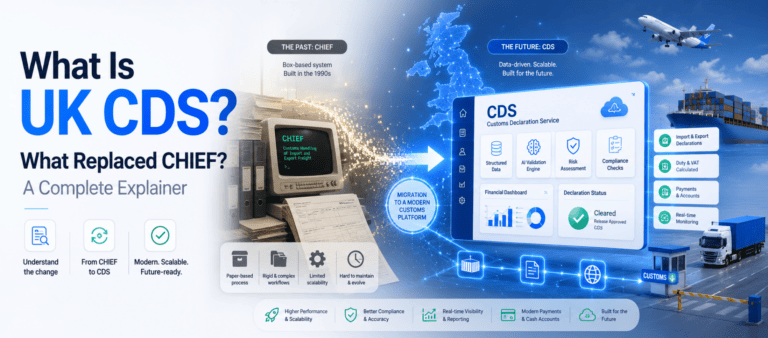
The CDS method means filing electronically through the Customs Declaration Service, usually via connected software. It replaced the paper-heavy approach used under the old CHIEF system.
What is a customs declaration form?
For commercial freight, the customs declaration form is a full electronic CDS entry rather than a paper sheet. Postal items use CN22 or CN23 forms instead.
You may also like:
Struggling to Extract, Catagorise & Validate Your Documents?

Capture & Upload Data in Seconds with AI & Machine Learning
Subscribe to our Newsletter
About iCustoms
iCustoms is an all-in-one solution helping businesses automate customs processes more efficiently. With AI-powered and machine-learning capabilities, iCustoms is designed to streamline your all customs procedures in a few minutes, cut additional costs and save time.
Struggling to Extract, Catagorise & Validate Your Documents?
Capture & Upload Data in Seconds with AI & Machine Learning