ICS2 ENS Filing for Maritime House-Level Filers: The Complete Guide (2026)
- Freya Jane
- Director of Customer's Success
The Import Control System 2 (ICS2) is now fully operational across all modes of transport entering the European Union. For maritime house-level filers, including freight forwarders, NVOCCs, and logistics operators, this means one thing: you are legally required to file a complete Entry Summary Declaration (ENS) before your goods are loaded onto any vessel bound for the EU, Norway, Switzerland, or Northern Ireland.
This guide covers everything you need to know about ICS2 ENS filing in 2026. Whether you are already submitting ENS declarations or you are still working out your obligations, you will find clear answers here along with a practical checklist and guidance on how automated ICS2 software can simplify the whole process.
What Is the Import Control System 2 (ICS2)?
ICS2 is the EU’s pre-arrival safety and security programme. It replaced the original Import Control System (ICS1) and requires economic operators to submit detailed cargo data to EU customs authorities before goods arrive at the EU border.
The system is built around the Entry Summary Declaration, or ENS. This is a mandatory electronic declaration that gives EU customs the information needed to carry out a safety and security risk assessment on every shipment. Without a valid ENS, cargo cannot be cleared, and shipments risk being held at port.
ICS2 has been rolled out in phases by transport mode. Maritime house-level filers have been required to submit ENS declarations since December 2024, with full mandatory enforcement from 1 April 2025. As of 2026, all modes of transport, including road, rail, air, and maritime, are fully governed under ICS2.
Who Is a Maritime House-Level Filer?
A house-level filer is any party in the supply chain that holds house bill of lading data. This typically includes:
- Freight forwarders
- Non-Vessel Operating Common Carriers (NVOCCs)
- Consolidators
- Logistics service providers arranging groupage shipments
In ICS2, the carrier (shipping line) submits master-level ENS data, while house-level filers submit supplementary ENS data covering the specific consignments they are responsible for. This is known as multiple filing, where different parties each submit their part of the full ENS declaration. The ICS2 system links these partial filings using the carrier’s EORI number and the master transport document reference.
If you are a freight forwarder arranging sea freight into the EU, you are almost certainly a house-level filer under ICS2 and you must submit your own ENS data directly. You cannot rely on the carrier to file this on your behalf.
What Data Do You Need to File an ENS Under ICS2?
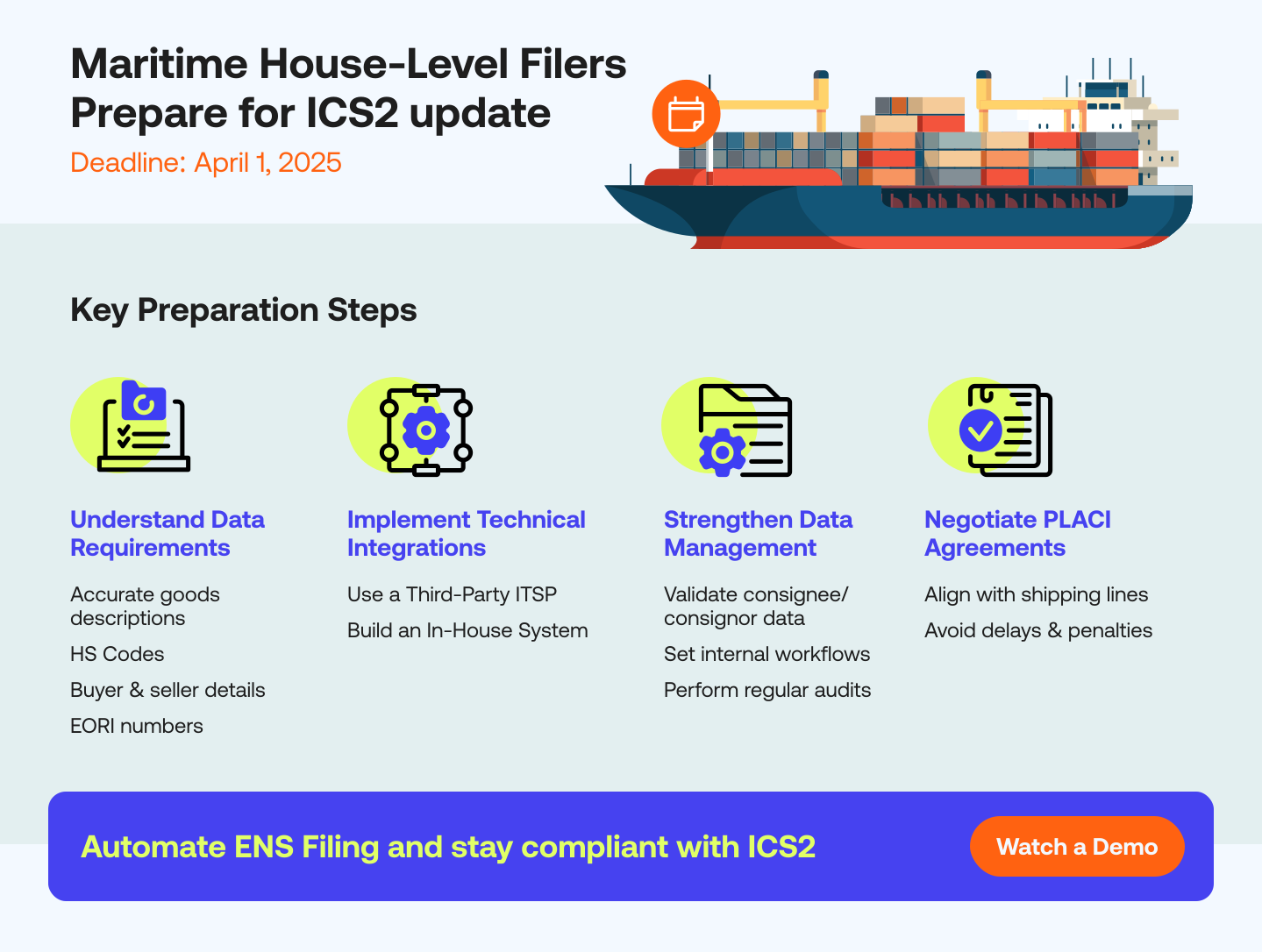
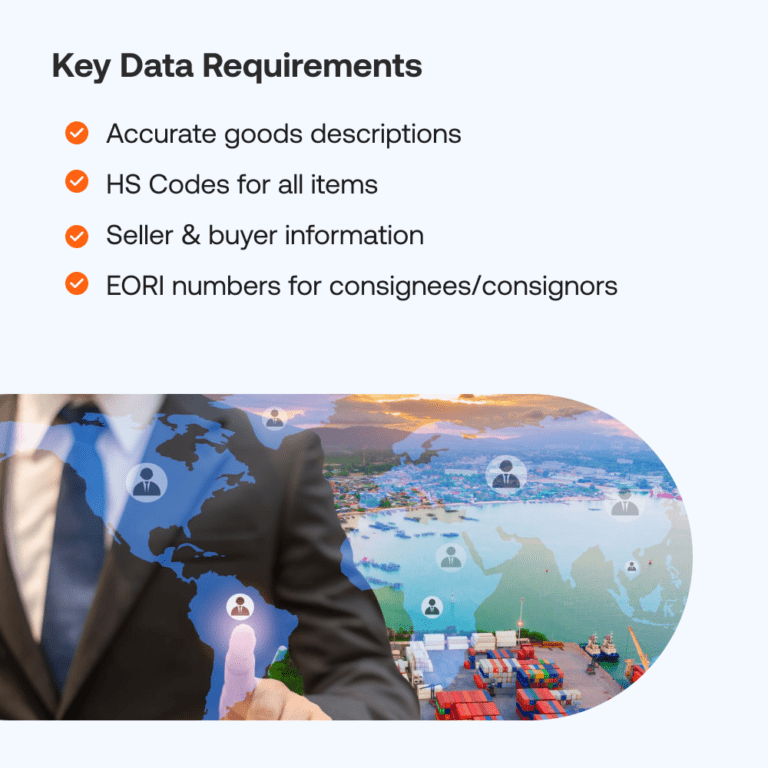
The ICS2 ENS requires a comprehensive dataset. At the house level, the key data fields include:
- Full consignee and consignor details, including names and addresses
- Buyer and seller information where different from consignee and consignor
- EORI numbers for the declarant and, where applicable, the consignee established in the EU
- Harmonised System (HS) codes for each commodity
- Detailed cargo description (vague descriptions will result in customs holds)
- Packaging type and number of packages
- Gross weight of the consignment
- House bill of lading reference number
- Routing information, including the first point of entry into the EU customs territory
- Container or seal numbers where applicable
One of the most common compliance failures is incomplete or vague cargo descriptions. EU customs authorities use this data for risk profiling, and inadequate descriptions result in requests for information, delays, and potential penalties.
ICS2 ENS Filing Deadlines for Maritime Shipments
Filing deadlines under ICS2 differ by shipment type:
- Containerised deep-sea cargo: at least 24 hours before loading at the foreign port of departure
- Short sea shipping (non-containerised bulk or break bulk): at least 4 hours before arrival at the first EU port of entry
- Short sea containerised shipping: at least 2 hours before arrival
These are pre-loading or pre-arrival deadlines. If an ENS is not submitted in time, cargo may be subject to a “do not load” instruction from EU customs.
ICS2 Compliance Checklist for Maritime House-Level Filers
Use this checklist to confirm your ICS2 readiness:
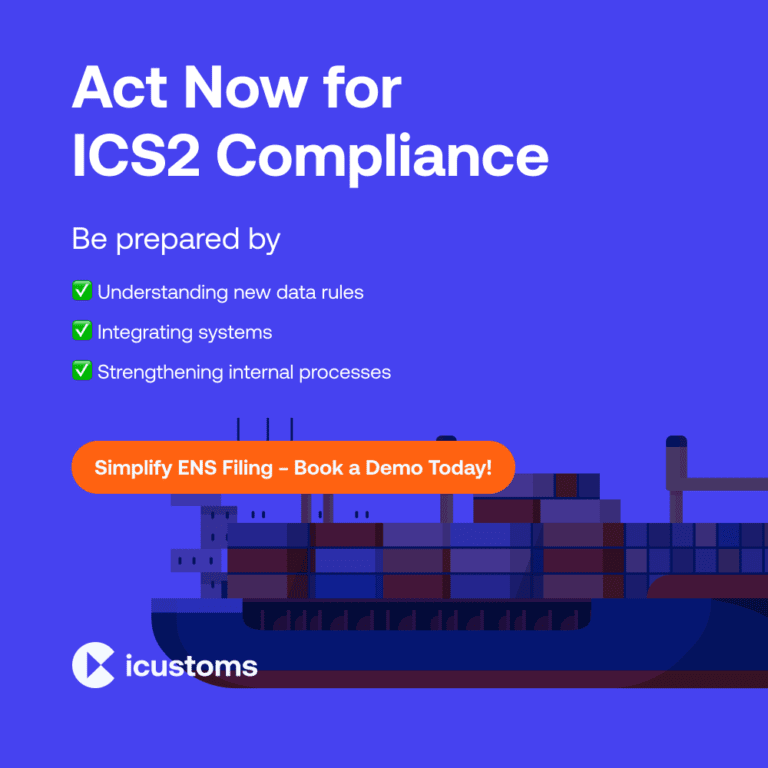
- Register with your national customs authority as an ICS2 economic operator and obtain a UUM&DS registration.
- Confirm your EORI number is active and registered in UUM&DS.
- Decide how you will file: directly via the Shared Trader Portal (STP) or through an accredited IT Service Provider (ITSP).
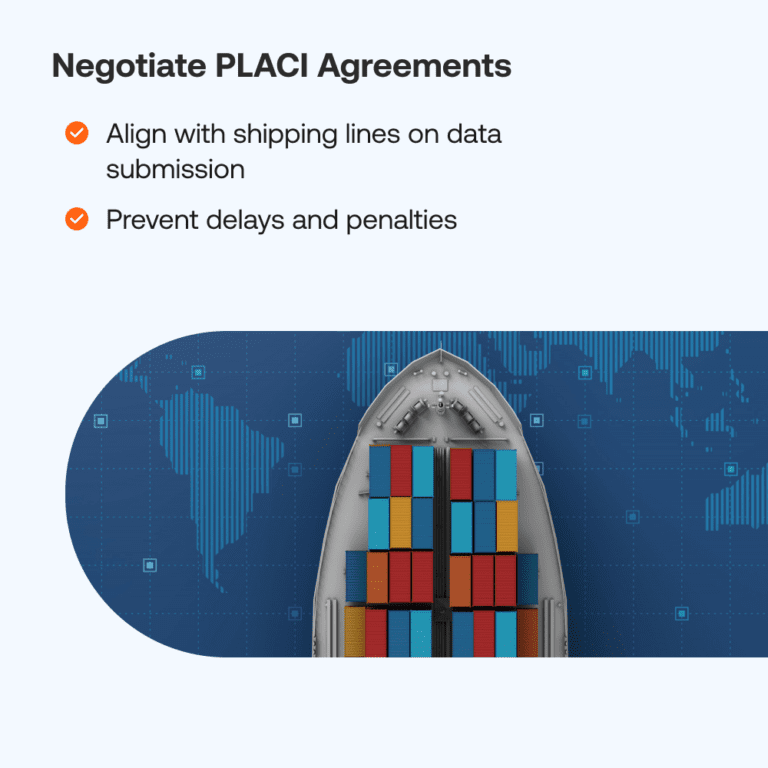
- Coordinate with your shipping lines to confirm their EORI and master transport document references.
- Ensure your internal systems can capture all required data fields, including Harmonised Commodity Codes (HS codes), consignee details, and routing information.
- Test your filing connection during the deployment window assigned by your national customs authority.
- Establish internal processes for handling Requests for Information (RFI) from EU customs.
- Set up alerts for ENS acknowledgements and Movement Reference Numbers (MRNs).
What Happens If You Do Not Comply with ICS2?
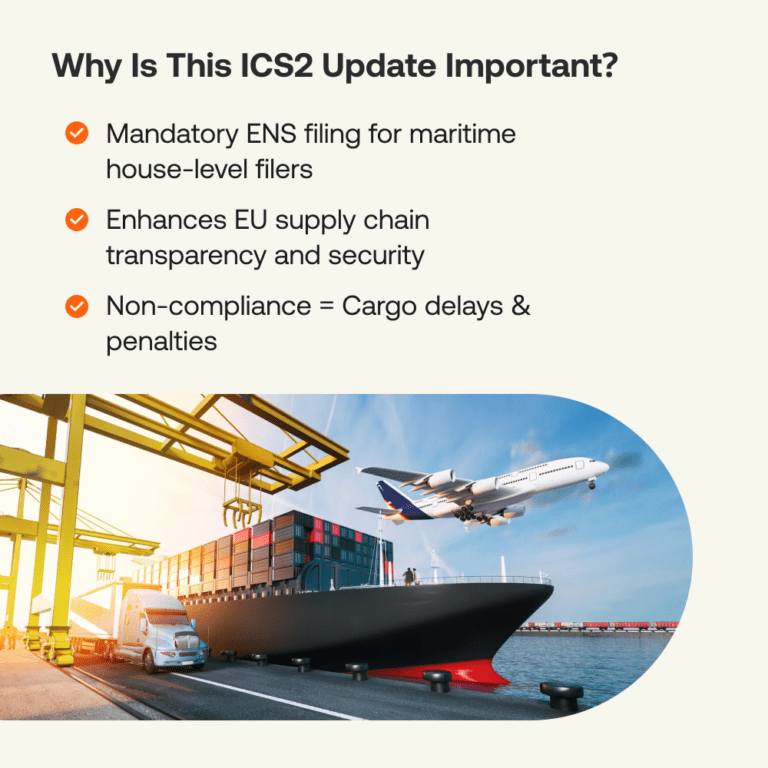
Non-compliance with ICS2 ENS filing obligations carries serious operational and financial consequences:
- Cargo hold or detention at the port of loading or entry
- “Do not load” instructions issued to carriers for non-compliant consignments
- Delayed customs clearance resulting in storage costs and customer service failures
- Financial penalties for failure to file or for submitting inaccurate data (exact penalties vary by EU Member State)
- Reputational damage with shipping lines who may deprioritise non-compliant forwarders
With ICS2 now fully enforced across all transport modes, customs authorities across EU Member States are actively monitoring compliance. The tolerance for late, incomplete, or inaccurate ENS submissions has significantly reduced compared to the transitional period.
Filing Directly vs Using an ICS2 Software Solution
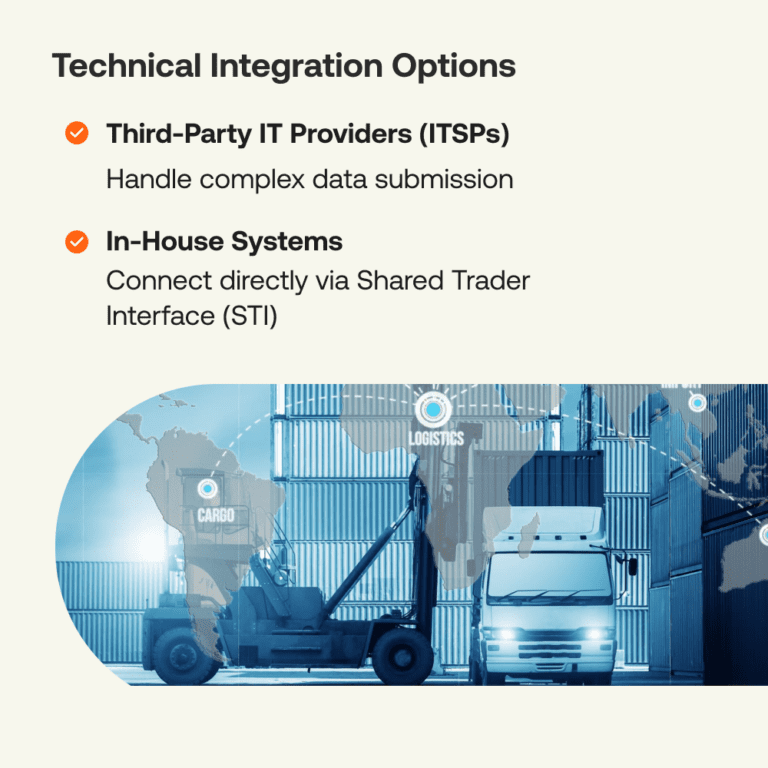
House-level filers have two main options for meeting their ICS2 ENS filing obligations:
Option 1: File directly via the EU Shared Trader Portal (STP) The STP is the EU’s own web interface for ENS submission. It is free to access but requires manual data entry for each shipment, has no integration with your existing freight management systems, and can be time-consuming for forwarders handling significant volumes. It is best suited to operators with very low shipment volumes.
Option 2: Use an accredited IT Service Provider (ITSP) such as iCustoms.ai An ICS2 software platform connects directly to the EU Shared Trader Interface via an AS4 access point. ENS data is submitted automatically from your existing workflow, with built-in validation to catch errors before submission. You receive acknowledgements and MRNs in near real-time, and exceptions are flagged immediately so your team can act without delay.
| Factor | Manual STP Filing | ICS2 Software (iCustoms.ai) |
| Time per filing | High (manual data entry) | Low (automated) |
| Error risk | High (no pre-validation) | Low (built-in validation) |
| Volume handling | Unsuitable for high volumes | Scales to any volume |
| Integration | None | Connects to TMS and freight systems |
| MRN retrieval | Manual check required | Automated, near real-time |
| Exception handling | Manual monitoring | Automated alerts |
| Best suited for | Very low volume operators | Any forwarder or NVOCC |
How iCustoms.ai Automates ICS2 ENS Filing for Freight Forwarders
iCustoms.ai is an AI-powered customs compliance platform that handles ICS2 ENS filing as part of a complete customs automation solution. For maritime house-level filers, it removes the manual effort from ENS submission and reduces the risk of costly errors.
Here is how the process works:
- Import your shipment data directly from your transport management system or via a simple data upload.
- iCustoms.ai validates your ENS data against ICS2 requirements before submission, flagging missing fields, incorrect HS codes, or incomplete routing data.
- The validated ENS is automatically submitted to the EU Shared Trader Interface via iCustoms.ai’s accredited AS4 connection.
- You receive an acknowledgement and Movement Reference Number (MRN) within minutes.
- Any Requests for Information from EU customs are surfaced immediately in your iCustoms.ai dashboard so your team can respond without delay.
The platform is suitable for freight forwarders of all sizes, from independent operators handling dozens of shipments per month to large logistics providers processing thousands. Because it covers import and export declarations, ENS, and safety and security filings alongside ICS2, it eliminates the need for multiple customs tools.
Frequently Asked Questions About ICS2 ENS Filing
- Who must file an ENS under ICS2?
Any economic operator bringing goods into the EU, Norway, Switzerland, or Northern Ireland must ensure an ENS is submitted before those goods are loaded or arrive. For maritime shipments, the carrier is responsible for master-level ENS data, while house-level filers such as freight forwarders are responsible for submitting supplementary house-level data directly.
- What is a house-level filer in ICS2?
A house-level filer is a party that holds house bill of lading data, most commonly a freight forwarder, NVOCC, or consolidator. Under ICS2, they must submit their portion of the ENS declaration directly to ICS2, rather than relying on the carrier to file on their behalf.
- When must an ENS be submitted for maritime shipments?
For containerised deep-sea cargo, the ENS must be submitted at least 24 hours before loading at the foreign port of departure. For short sea shipments, the deadline is either 4 hours before arrival (non-containerised) or 2 hours before arrival (containerised).
Frequently Asked Questions
Who is required to submit an ENS filing under ICS2 for maritime shipments?
Freight forwarders, NVOCCs, consolidators, logistics providers, and other parties holding house bill of lading data must submit house-level ENS data directly to ICS2, while carriers remain responsible for master-level ENS filings.
What information is required in an ICS2 Entry Summary Declaration (ENS)?
An ENS typically includes consignor and consignee details, buyer and seller information, EORI numbers, HS codes, cargo descriptions, package counts, gross weight, routing details, and transport document references.
What are the filing deadlines for maritime ENS declarations under ICS2?
Containerised deep-sea cargo requires ENS submission at least 24 hours before loading, while short sea shipments require filing between 2 and 4 hours before arrival depending on cargo type.
What happens if an ENS is not filed correctly or on time?
Failure to submit an accurate and timely ENS can result in cargo holds, customs delays, do-not-load instructions, storage costs, financial penalties, and increased compliance scrutiny.
Can freight forwarders rely on shipping lines to file ENS declarations on their behalf?
No. Under the ICS2 multiple-filing model, maritime house-level filers are responsible for submitting their own house-level ENS data and cannot rely solely on carriers to meet this obligation.

Automate Your Entry Summary Declaration Processes. Save Time and Reduce Risk with our innovative iENS tool.
You may also like:
Simplify Customs with our Powerful Customs Management Software

Automate declarations, track shipments, & ensure compliance.
About iCustoms
iCustoms is an all-in-one solution helping businesses automate customs processes more efficiently. With AI-powered and machine-learning capabilities, iCustoms is designed to streamline your all customs procedures in a few minutes, cut additional costs and save time.
Simplify Customs with our Powerful Customs Management Software
Automate declarations, track shipments, & ensure compliance.